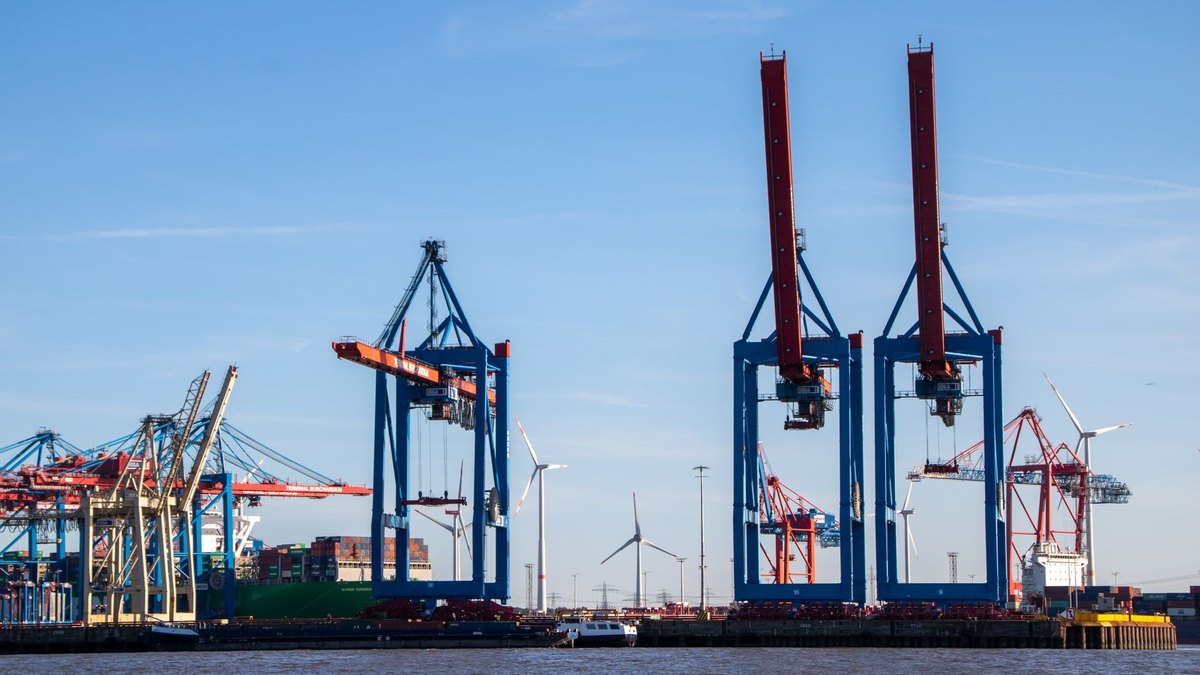
Everything follows from where the work happens
Software for a business with crews in trucks is not office software with a phone screen attached. The users are outdoors, often in a basement or a trench or a stairwell with no signal, wearing gloves, holding something else in the other hand, and paid by the hour to do something that is not typing. Nearly every requirement that matters comes from that sentence rather than from the feature list, and nearly every failed rollout we get asked to rescue was designed by people who wrote the feature list first. The good news is that this is a well-understood problem with settled answers. The bad news is that the settled answers are unfashionable, and they cost money in places a demo never shows.

Offline is not a feature. It is the architecture.
A tick box labelled "works offline" late in a requirements document is the single most expensive sentence in field software, because offline is not something you add. It decides how data is stored, how it is identified, how it is merged, and what happens when two people were right at the same time.
What has to be true. The device holds everything the crew needs for the day before they leave the yard, including the parts list, the site history and the forms, because the moment they need it is the moment they cannot reach the server. Work performed offline is written locally and queued. Records are identified by an id the device generates, not one the server assigns, because a job created in a basement cannot wait for a number. And every queued change is retried until it is confirmed, with the crew able to see that something has not gone through yet.
Then the hard part, which is conflict. A technician updates a job at two in the afternoon in a mechanical room. Dispatch edits the same job at half past two. The phone reaches signal at six and syncs. Three designs are available and they are not equivalent.
| Sync design | What happens on a conflict | Where it hurts |
|---|---|---|
| Last write wins Whole record replaced | The six o’clock sync overwrites the office edit silently | Cheapest to build and the reason crews stop trusting the app. Nobody is told anything was lost |
| Field-level merge Each field resolved separately | Both edits survive unless they touched the same field | Reasonable for most work. Needs a rule per field and someone to decide who wins on the overlaps |
| Append-only events Nothing is overwritten, ever | Both actions are recorded with who and when; current state is derived | More work up front and the right answer wherever the record has legal or billing weight |
The choice is not really technical. Ask what a record is for. If it is a convenience view of a schedule, field-level merge is fine. If it is a timesheet, a safety inspection, a signature, or the evidence in a dispute about what a crew found on arrival, use events and keep every version. You cannot retrofit history you did not keep.
You are probably here because
- You bought a field package, paid for the rollout, and the crews still call the office
- Job costing arrives three weeks after the job and everyone has stopped believing it
- Photos exist somewhere, on somebody’s phone, and cannot be produced when a customer disputes a charge
- Two vendors quoted the same thing at $40,000 and $400,000 and both sound plausible
The adoption section covers the first, the buy-versus-build table covers the last, and the records section is the one that costs money if it is got wrong.
Photos and media are a bigger engineering problem than the forms
Field work generates pictures, and the volume surprises people. Take twenty crews doing three jobs a day, twelve photos a job at four megabytes each from a modern phone camera. That is a little over thirty gigabytes a day arriving from vehicles on cellular connections, every working day, forever.
Three decisions follow. Resize and compress on the device before upload, keeping the original only where evidentiary quality genuinely matters, because a two-megapixel image is enough to show a cracked fitting and a twelve-megapixel one is not four times more convincing. Upload opportunistically, preferring wifi at the yard or the crew's home, with resumable transfers that survive a tunnel. And decide retention deliberately: seven years of every photo is a storage line item that grows without limit and a discovery obligation nobody chose on purpose.
Keep the metadata, though. Time, location and the job the photo belongs to are what turn a picture into an answer. A folder of photos with no association to a job is a liability with a storage bill.
Some of what you are capturing is a legal record
A field app quietly becomes the system of record for things that carry obligations, and it is better to know which ones before the design than after a subpoena.
Time records. Under the Fair Labor Standards Act recordkeeping rules at 29 CFR part 516, employers must preserve payroll records for at least three years, and the records on which wage computations are based, such as time cards, for two. The Department of Labor does not mandate a particular timekeeping method, which means a phone is fine and an app that silently rounds or overwrites entries is not.
Location and monitoring. Vehicle tracking and electronic monitoring of employees are regulated differently across states, with some requiring notice or consent. This is a question for employment counsel before it is a question for a vendor, and the answer often shapes a product decision, such as whether the app tracks continuously or only between accepting and closing a job.
Public work. Federally funded construction carries certified payroll obligations with weekly submissions and specific data. If any part of the business does that work, the payroll export is a hard requirement rather than a nice-to-have, and it belongs in the first release.
Safety and compliance forms. Job hazard analyses, equipment inspections, lockout records, confined-space permits. These are the forms most likely to be filled in at the truck at the end of the day for the whole day, which defeats their purpose and is visible in the timestamps you are now keeping.
Buy the package. Build the seam.
The field service software market is mature. Scheduling boards, dispatch, work orders, mobile forms, invoicing and customer notifications have all been built many times by companies who do only that, and a mid-size contractor is very unlikely to beat them at it. The honest advice, which costs us work, is that most companies asking us to build a field app should buy one instead.
What does not exist off the shelf is the part specific to your business, and it is usually the part that decides margin.
| Layer | What belongs here | Why |
|---|---|---|
| Buy | Scheduling and dispatch, work orders, mobile forms, invoicing, customer notifications, GPS and telematics | Commodity capability with real competition. Building it is spending money to arrive at parity |
| Configure | Your job types, price book, checklists, crew roles, notification rules | Where most implementations under-invest, then blame the product |
| Build | The integration to accounting and payroll, your pricing and estimating logic, the compliance export a regulator or a general contractor requires, the customer-facing portal you actually want | Specific to you, unlikely to be supported well, and the place where errors cost real money |
| Decline | Replacing a working package because a demo looked better; a whole-business rebuild in one release | Both convert a bounded problem into an unbounded one |
The integration is the part people underestimate most. Getting a completed job to become an invoice, a payroll entry and a job cost record without anyone retyping it is worth more than most features and is where the ugly work lives: mapping your job types to accounting codes, deciding what happens when a job is edited after invoicing, and handling the crew member who is on two jobs in one hour.
Where custom work pays for a field business, as we rank it
Editorial weighting from our own scoping practice, shown to explain the order we recommend. Not a measured statistic.
Adoption is the whole game
A field application that crews do not use is not a partially successful project. It is a total loss plus a monthly bill, and it also destroys the appetite for the next attempt. The mechanism is simple and it is worth stating plainly: a crew is measured on jobs completed, and anything that costs them minutes costs them money and daylight. If your app adds four minutes per job and removes nothing, they will work around it and you will not find out for a quarter.
So the design rule is a trade, not an addition. Every screen a crew is asked to complete should remove a piece of paper, a phone call to the office, or a trip back to the yard. If it removes none of those, it should not ship until it does.
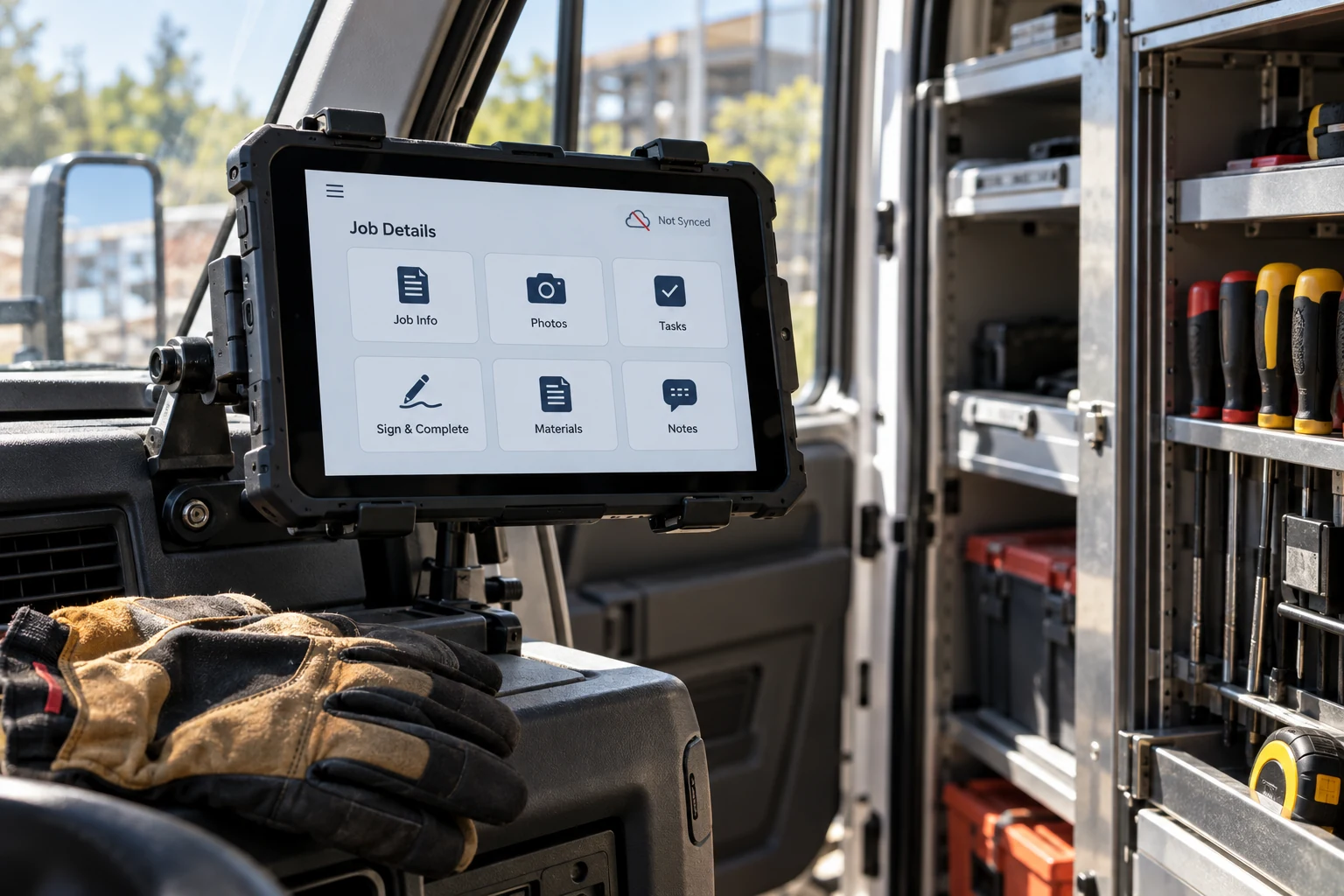
Four practical things that decide adoption more than any feature. Pilot with the most skeptical crew rather than the most enthusiastic one, because the enthusiastic crew will make anything work and teach you nothing. Have the app usable one-handed, with targets big enough for a gloved thumb, at full brightness in sun. Decide the device question honestly: personal phones are cheaper and create a real problem when someone leaves with the only copy of a week of photos, while company devices cost money and remove an argument. And put a visible sync indicator on every screen, because the crew needs to know whether the office has seen the thing they just did.
The two-thumb, one-bar, full-sun test
Before accepting any field application, take it outside at midday, put on a work glove, hold something in your other hand, turn the phone to aeroplane mode, and complete a whole job. Then turn the signal back on and confirm the office saw everything. Almost every serious defect in field software is found in that ten minutes, and almost no vendor demo includes it because demos are given indoors on wifi.
What it costs
| Scope | What it includes | Typical range | Calendar |
|---|---|---|---|
| Package selection and setup | Requirements from watching real crews, vendor shortlist, configuration, data migration, training | $25K–$80K plus licences | 6–12 weeks |
| Integration to accounting and payroll | Job to invoice to job cost to payroll, with reconciliation and an error queue a human works | $50K–$140K | 6–12 weeks |
| A custom offline field app | One platform, offline queue and sync, media pipeline, three to five real forms, an admin surface | $140K–$400K | 4–9 months |
| Custom estimating or pricing logic | Your price book and rules, quote generation, approval path | $60K–$150K | 8–16 weeks |
Two numbers to hold in view alongside those. Per-seat licensing on a package is commonly in the range of tens of dollars per user per month, which is small against a crew's loaded cost and large against a build once you multiply by five years and a growing headcount. And devices, mounts, cases and cellular plans are a real line: a hundred field users equipped properly is a five-figure capital item and a recurring bill, and it is routinely left out of the comparison that says building is expensive.
Tell us what a job looks like and we will tell you what we would buy and what we would build.
Describe one job end to end: who schedules it, what the crew records, what happens to it in the office, and where it is retyped. Email contact@precisionfederal.com. You get back a written note naming the retyping we would remove first and roughly what it would cost. One business day, no charge.
contact@precisionfederal.comHow these projects fail
- Offline added late, which is a rewrite wearing the costume of a change request
- Last-write-wins sync, silently discarding work and teaching crews the app is unreliable
- Requirements gathered in a conference room instead of from a day in the truck
- A pilot with the enthusiastic crew, which proves nothing about the other nineteen
- Screens added without paper removed, so the app is pure cost to the person using it
- Full-resolution photo upload over cellular, discovered on the first month’s data bill
- No integration to accounting, so the office retypes everything and the savings never appear
- Timesheets stored as an overwritable field, which is fine until somebody asks for history
A first fourteen weeks
One crew, one job type, in production
Step one is the one that is always cut and it is the cheapest week in the project. A day in a truck produces requirements that six weeks of workshops do not, because the crew will not tell you about the workaround they have been using for two years until you are standing next to them when they use it.
Before you commit
- Somebody from your side has spent three full days in trucks, taking notes
- The sync and conflict design is written down and understood by a non-engineer
- Records with legal weight are append-only, with history preserved
- Photo resizing, upload policy and retention are decided, with a storage estimate
- Employment counsel has looked at tracking and monitoring for the states you operate in
- The accounting and payroll integration is in the first release, not a later phase
- Every new crew screen removes a form, a call, or a trip
- Devices, mounts, cases and data plans are in the budget
- The pilot crew is the skeptical one
Bottom line
Field software is decided by conditions rather than features. Design for offline from the first day, because it cannot be added later without a rewrite. Treat timesheets, signatures and photos as records that keep their history, because that is what they will be asked to be. Buy the commodity layers and spend your money on the integration and the pricing logic that are specific to your business. And measure success by whether paper disappeared, because a crew that is still filling in a form at the end of the day is telling you the software did not replace anything.
Frequently asked questions
Buy the scheduling, dispatch, work orders and mobile forms; those are commodity and well served. Build the integration to your accounting and payroll, your estimating and pricing logic, and any compliance export a customer or regulator requires. Most companies that ask us to build a whole field app should buy one and spend the money on the seam instead.
The day's data pre-loaded before the crew leaves, local storage for work performed, ids generated on the device rather than by the server, a retry queue the user can see, and an explicit conflict rule for what happens when the office edited the same record. It is an architecture, not a setting, and adding it after the fact is close to a rewrite.
For wage and hour purposes, the FLSA recordkeeping rules require payroll records to be kept at least three years and the underlying time records at least two, and your state or your contracts may require longer. Photos are a business decision rather than a general legal requirement, but keeping everything forever is both a storage cost and a discovery obligation, so choose a period deliberately.
Find out what it cost them per job, in minutes, and what it removed. In most failed rollouts the answer is that it added time and removed nothing, so the workaround was rational. Rebuild the first release around one job type where paper genuinely disappears, pilot it with the crew most likely to object, and fix their complaints before adding a second job type.
You should. One job type with two crews running in parallel with the existing paper process gives you a real comparison and a cheap exit. A company-wide launch of everything at once has no control group, no way to attribute a problem, and no way to stop without the rollout being called a failure.