
The four questions that actually decide it
Before anybody says the words “native” or “progressive web app,” get answers to four things. Where is the person standing? What are they holding while they use it? How long is one session? And what happens when the network is gone for two minutes, or for two hours? Every serious version of this decision is downstream of those answers, and teams that skip them end up arguing about frameworks as a proxy for an operational question nobody asked.
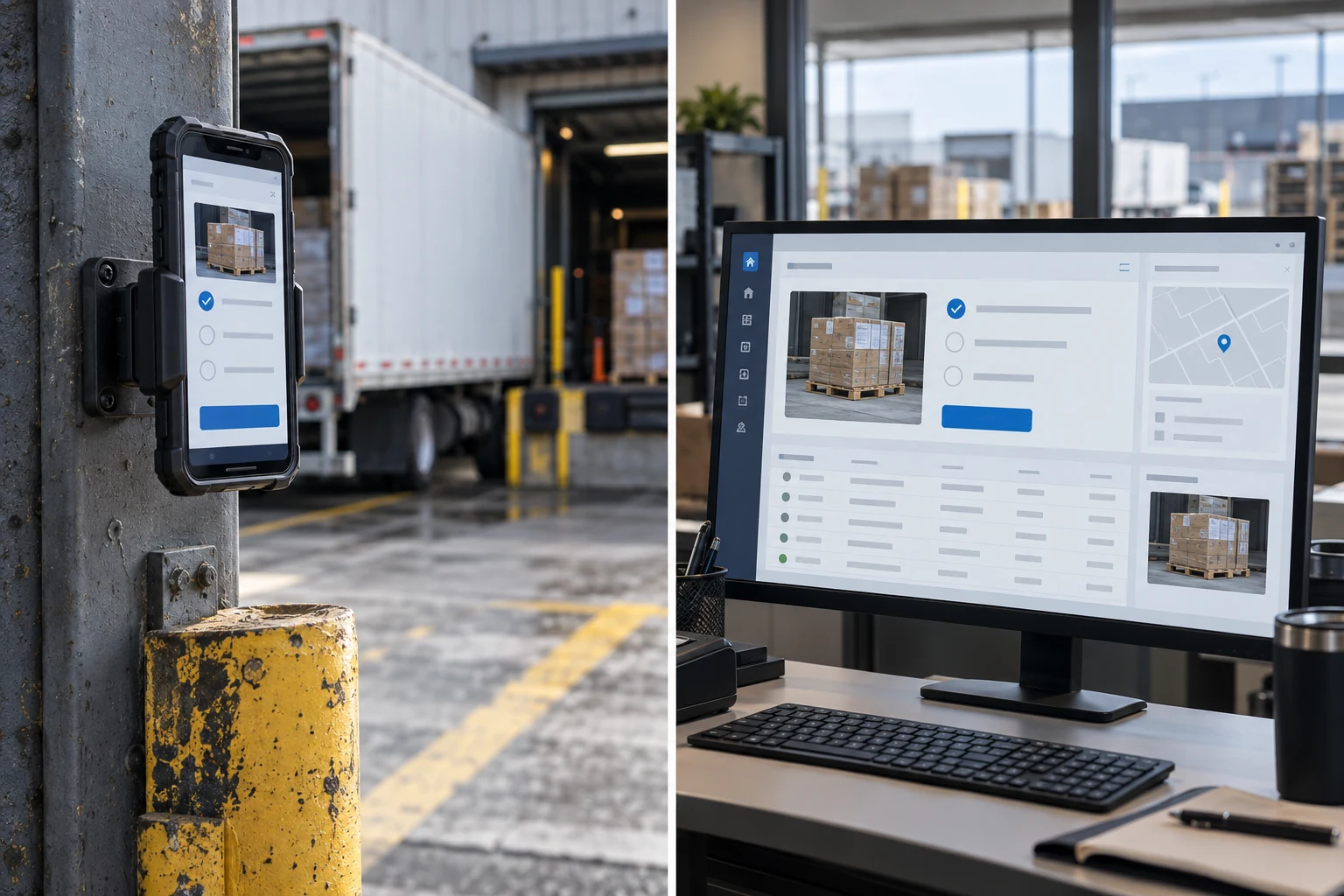
A dispatcher at a desk with two monitors and a forty-minute session is a browser. A technician on a roof with gloves on, one hand free, twenty seconds of interaction repeated sixty times a day, and a basement to visit at eleven o'clock, is a different product entirely — and possibly a different product from the dispatcher's, rather than a phone-shaped version of it.

Most internal tools serve both people. That is the actual finding in nearly every one of these conversations: there are forty screens, thirty-seven of them are used at a desk, and three of them are used standing up. The correct build is a web application with three genuinely well-designed phone screens, not a phone application with thirty-seven screens crammed into it.
What is on the menu, and what each one really costs
Four options, in ascending order of expense and commitment.
Responsive web. One codebase, one deployment, opens in a browser on anything. Cost baseline: call it 1.0. Deploys in a minute, no store, no install, no version fragmentation, and every user is on the current version by definition.
Installable web app. The same thing plus a manifest and a service worker, so it lives on the home screen with an icon, launches without browser chrome, and can cache enough to survive short network gaps. Cost roughly 1.05 to 1.25 of the baseline. This is the option most people have not seriously considered and it covers a surprising amount of what “we need an app” usually means.
Cross-platform native. One codebase compiled to both platforms. Real device capabilities, real background behaviour, an entry in the app store. Cost roughly 1.6 to 2.2 of the baseline for the build — and, importantly, a permanent increase in the cost of every future change, because every change now has a release cycle attached.
Two true native builds. Separate codebases per platform. Cost 2.5 to 3.5. Justified when you are deep into device hardware, when the interface must feel exactly like the platform, or when a specific integration only has a first-party library. For an internal tool this is rarely the right answer, and when it is, you usually already know why.
A web application costs something in the range of five to ten percent of its build cost per year to keep current — dependency updates, browser changes, small fixes. A native application in the stores costs meaningfully more, commonly fifteen to twenty-five percent per year, and none of that spend produces a single new feature. Two operating system releases a year, each capable of breaking something. Store policy changes with deadlines attached. Signing certificates that expire on a date nobody wrote down. A minimum supported version that keeps moving. That is the real price of the app icon.
What still genuinely forces native
The gap between web and native has closed a great deal, and most of what teams believe requires an app does not. Forms, lists, tables, photographs taken one at a time, notifications while the app is open, location while the app is open, camera access, file upload — the browser does all of that. Five things are still different enough to decide the question.
Background execution. Work that must continue when the app is closed — uploading a hundred photographs over a poor connection while the phone is in a pocket, tracking a route for a whole shift. A web app that is not on screen is generally not running. This is the most common genuine reason.
Reliable notifications. Web push exists on both major mobile platforms now, but on one of them it requires the user to have installed the web app to their home screen first, and its behaviour is less predictable than a native push. If a missed notification means a missed job, that unpredictability is the whole argument.
Serious offline. Not “survives the lift,” but hours away from coverage with a meaningful local dataset and edits that must merge later. Browsers can store data locally, but the sync engineering is the expensive part and native gives you better tools and better lifecycle guarantees for it. More on the cost of this below, because it is the item most likely to double a budget.
Specific hardware. Continuous barcode scanning at speed, short-range wireless devices, tap-to-read tags, a rugged handheld with a hardware scan trigger, high-frame-rate camera control. If your crews carry purpose-built devices, the vendor's library is native and that settles it.
Kiosk and shared-device behaviour. Locking a device to one application, managing it centrally, wiping it remotely. This is device management as much as software, and it lands on the native side.
If none of those five apply, the case for native rests on how it feels rather than what it can do — which is a real consideration, just a much smaller one than the budget difference implies.
| What the person is doing | Reasonable default | Why |
|---|---|---|
| Desk work, long sessions, lots of typing | Responsive web | Keyboard, screen space, and no reason to add a release cycle |
| Checking status on a phone between meetings | Responsive web, installable | Read-mostly, short, always connected enough |
| Warehouse or shop floor, connected, shared devices | Installable web on managed devices | Wi-Fi is present; central management handles the rest |
| Field crews, patchy signal, forms and photos | Installable web with a queued-submit design | Covers dropouts without paying for a sync engine |
| Hours off-network with local data and edits | Native | Real offline is a sync problem, and native tooling is better at it |
| Scanners, tags, background tracking | Native | Hardware libraries and background execution are not optional |
You are probably here because
- Someone quoted you two numbers that differ by three times and you cannot tell what the difference buys
- Your crews say “it needs to work offline” and nobody has defined offline
- You have a web tool and people want it on their phones
- A vendor said native and you suspect that is what they build
The offline section is the one that changes budgets. The distribution section is the cost nobody quotes.
Offline is the fork in the road, and nobody defines it
When people say a tool must work offline, they almost always mean one of two very different things, and the difference is most of the budget.
Tolerate a dropout. The signal disappears in a lift, a stairwell, a metal building, for thirty seconds to a few minutes. The user must not lose what they typed and must not have to do it again. This is solved by writing the form to local storage as they type, queueing the submission, and retrying with a visible indicator. It is perhaps a week of work, it works fine in a browser, and it covers the overwhelming majority of what field teams actually experience.
Operate disconnected. Hours out of coverage. The person needs to read data that is not on the device yet, create and edit records, and have all of it merge correctly when they come back — possibly after someone else edited the same record from the office. This is not a storage problem. It is a distributed systems problem, and it brings conflict resolution, a sync protocol, partial-sync rules, schema versioning across devices that update at different times, and a set of bugs that are hard to reproduce because they depend on the order of events.
Be blunt about the price. Genuine offline sync commonly runs thirty to fifty percent of total build effort and produces a disproportionate share of the ongoing defects. It is worth it when the work genuinely happens out of coverage. It is a large voluntary expense when the real requirement was the lift.
The question to ask the people who will use it: in the last month, how many times were you out of signal for more than five minutes while trying to do this task? The answer is often zero, and the requirement quietly changes.
How often each stated reason really forces a native build — our read
Our judgment from these conversations, not a survey. The bottom two are the reasons most often given and the least often decisive.
Distribution is the cost that never makes the quote
A web tool ships when you push it. Everyone is on the new version within a page refresh, and a bad release is reversed in minutes.
A native app has a supply chain. Developer accounts on each platform, renewed annually. Signing keys and provisioning that are their own small discipline. Store review, which is usually days but occasionally is not, and occasionally is a rejection over something nobody anticipated. A test distribution channel so someone can try a build before everyone gets it. A forced-upgrade mechanism, because otherwise a user on a nine-month-old version will hit your API and you will be supporting a client you cannot see. Device management if the devices are company-owned. And a support burden that includes the sentence “which version are you on?”, forever.
None of that is a reason to avoid native when native is right. It is a reason not to choose native for the icon.
Authentication, and the case everyone forgets
Single sign-on on a laptop is settled. On a personal phone it is workable. On a shared device in a warehouse, where eleven people use the same tablet across three shifts, it falls apart — nobody is going to type an email address and complete a second factor to record a pallet.
Shared devices need a different model: the device authenticates once and holds a long-lived, tightly-scoped session, and individual people identify themselves with something fast — a badge tap, a short code, a picker. Then you still get the attribution you need in the record without asking someone in gloves to type a password. Decide this before the design, because it changes the shape of every screen.
What the numbers look like
For a real internal tool of eight to twelve screens with a handful of roles and a few integrations, responsive web usually lands in six to twelve weeks of a small team. Adding a genuine native application on top, sharing the same backend, commonly adds fifty to a hundred and twenty percent depending on how much of the interface is duplicated and whether offline sync is in scope.
Two cost-control moves are worth more than any framework choice. First, build the backend and the phone client against the same API from day one, so a native app later is a client rather than a rewrite. Second, resist building the phone version of screens people will never use standing up. Every screen you do not build twice is a screen you do not maintain twice.
When you do not need us for this
If your requirement is a form, a list, and a photograph, and it will be used by fewer than fifteen people, a low-code tool from your existing office software suite will do it this month for the price of licences you may already own. It will be ugly and it will genuinely work. Come back when the process outgrows it, when the data needs to live somewhere real, or when it needs to talk to another system.
If you already have a working web tool and the complaint is that it is awkward on a phone, the correct first move is usually two weeks of layout work on the three screens people use on a phone — not a mobile project. Do that, watch for a month, and then decide.
And if the honest answer is that people are not using the current tool because the process is unclear rather than because the interface is wrong, no build of any kind fixes it.
How this decision goes wrong
- Deciding native before defining offline, and paying for a sync engine to survive a lift
- Porting all forty screens to a phone, when three of them are used standing up
- Pricing the build and not the release cycle, then discovering that every fix now takes a store review
- Ignoring shared devices until the first shift discovers they must each sign in
- No forced-upgrade path, leaving old clients talking to an API you have moved on from
- Designing for a clean office phone rather than sunlight, gloves, cracked screens and one bar
- Letting the vendor's specialty choose the architecture rather than the work
- Treating the app as done at launch, with no budget for the two operating system releases a year
Before you commit
- You have watched someone do the task in the place they actually do it
- “Offline” has been defined in minutes or hours, with a number behind it
- The list of screens genuinely needed on a phone is written down and short
- Session length and typing volume per task are known
- The device situation is settled: personal, company-owned, or shared
- Sign-in works for the worst case, not the desk case
- Any native decision names which of the five capabilities forces it
- Annual maintenance is in the budget at a realistic percentage
- The backend is designed as an API so a native client later is not a rewrite
- There is a plan for reversing a bad release on every platform you ship to
Bottom line
Start with responsive web, make it installable, and make the two or three phone screens genuinely good rather than merely present. That covers most internal tools for a fraction of the money and leaves every option open. Go native when one of five things is true: background execution, hardware, real disconnected operation, notifications that cannot be missed, or locked-down shared devices. If a vendor cannot tell you which of those applies to your situation, they have not asked enough about the work — and the answer they give you is about their skills rather than your problem.
Frequently asked questions
For most internal tools, yes. Installable web handles home screen presence, offline caching of the interface, camera, location while in use, and queued submissions across short network gaps. It is weaker on background execution, on push reliability on one of the two major platforms, and on specialised hardware. Those are exactly the boundaries where a native build starts earning its cost.
Roughly one and a half to two times a comparable web build with a shared codebase across platforms, and two and a half to three and a half times with separate native codebases. The larger number is ongoing: expect fifteen to twenty-five percent of build cost per year to stay shippable through operating system releases and store policy, none of which produces new features.
Usually the cheaper one. In and out of signal means dropouts, and dropouts are handled by saving locally as they type and queueing submissions with a visible retry. That works in a browser and costs about a week. Full offline operation is only required when people are out of coverage for hours and need to read data that is not already on the device.
Yes, if the backend was built as an API from the beginning and no business logic lives only in the browser. Then a native client is an additional consumer rather than a rewrite. This is the main architectural decision worth insisting on at the start, and it costs nothing extra when done on day one.
Not necessarily. Internal apps can be distributed through enterprise programmes or device management without a public listing, which avoids review but adds administration of its own. If your users are contractors on their own phones, a public listing is often the simplest route. If the devices are yours, management-based distribution is usually cleaner and faster.