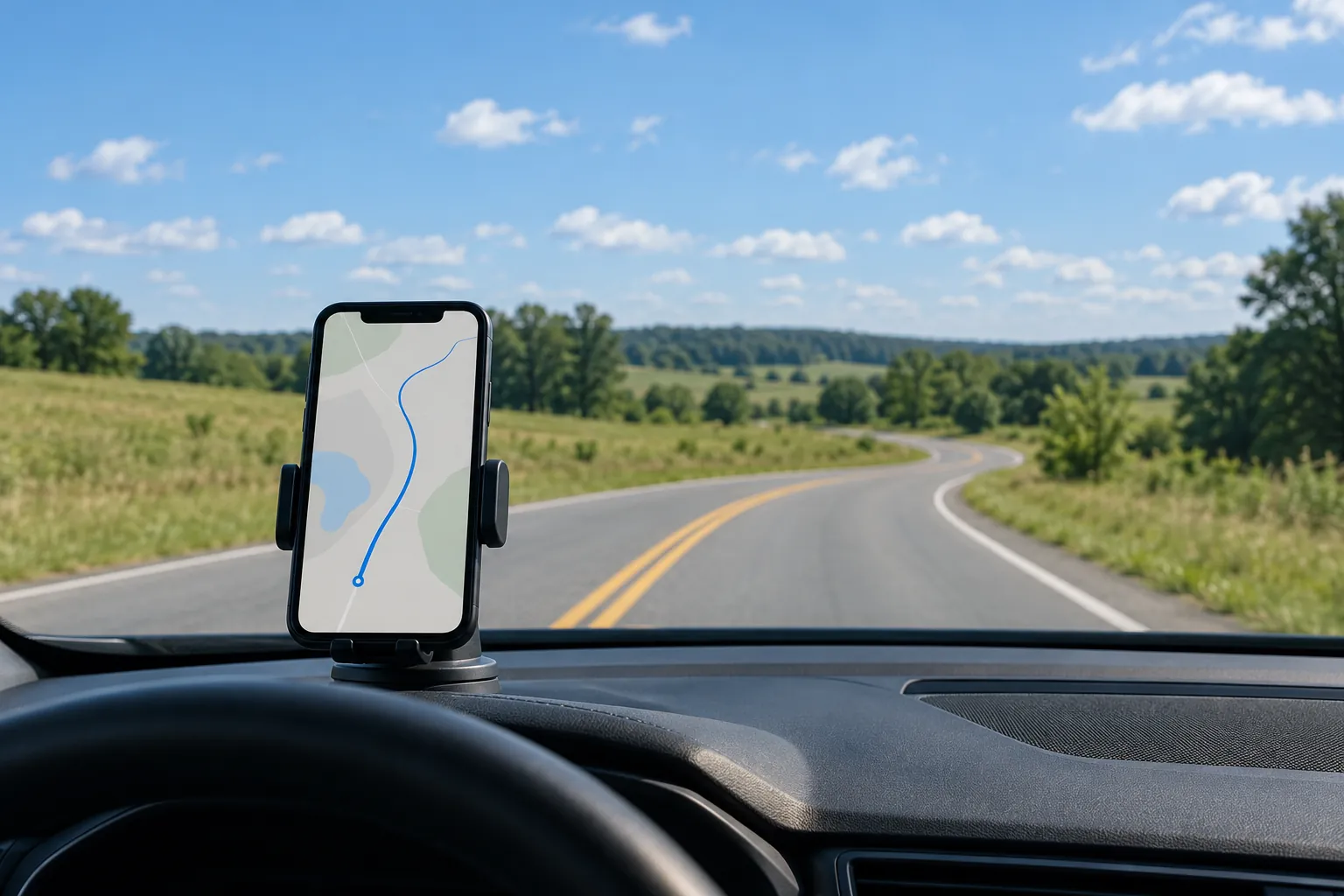
A phone is a sensor package, not yet an instrument
Every modern phone carries a GNSS receiver, a three-axis accelerometer, a gyroscope, a magnetometer, a barometer and at least one good camera. Put it in a vehicle with the right app and it records where the vehicle went, how fast, how hard it braked, and what the road looked like. That makes phones tempting for traffic studies: cheap, familiar, and already in every driver's pocket. It does not make them instruments. An instrument is a sensor whose error you have measured under the conditions you will use it in. Getting a phone from the first category to the second is the whole job.
This guide covers what phone sensors measure well, where their limits are, how to validate them against a reference, and how to design the app and the data pipeline so the results hold up. It ends with a plain comparison against fixed roadside sensors and LiDAR, because the honest answer to "should we use phones" depends on what you are trying to measure.
What each sensor actually measures
Start by separating the sensors, because they fail in different ways and suit different study questions.
- GNSS receiver. Position, speed and heading, typically about once per second. Good for trajectories, travel times and speed profiles along a route. Weak in urban canyons, tunnels, parking structures and under heavy tree canopy.
- Accelerometer. Linear acceleration on three axes at tens to hundreds of samples per second. Good for braking, acceleration and rough-road events once the phone's axes are aligned to the vehicle's.
- Gyroscope. Rotation rate. Useful for turning events, lane changes and for working out how the phone is mounted. Drifts over time when integrated.
- Magnetometer. Heading relative to magnetic north. Easily disturbed by the vehicle's own metal and electronics, so it rarely carries weight in a vehicle study.
- Barometer. Relative altitude change. Can help detect grade and separate stacked roadways such as an overpass and the road beneath it.
- Camera. Scene context: queue presence and length, signal state, work zones, weather, lane position. Turns a speed trace into an explained speed trace.
Location: where the error comes from
Phone positioning under open sky is typically good to a few meters, which is plenty for travel time along a corridor and not enough to tell which lane a vehicle is in. The error is not random noise around the true position. It comes from specific, predictable causes, and knowing them lets you design around them.
Multipath. Signals bounce off buildings and large vehicles and arrive late, pulling the position sideways. This is the dominant error downtown and the reason trajectories appear to cut through city blocks. Some newer phones receive two GNSS frequencies, which helps reduce multipath error, but no phone eliminates it.
Obstruction. Tunnels, parking structures, deep cuts and dense canopy block signals entirely. The phone then either reports nothing or fills the gap with its own estimate, and the app often cannot tell you which happened unless you log the reported accuracy and the satellite count.
Smoothing you did not ask for. The operating system blends GNSS with Wi-Fi, cell towers and motion sensors to produce a pleasant position. That is good for navigation and bad for measurement, because it hides the underlying error and can lag at sharp changes. On Android, apps can request raw GNSS measurements, which gives an analyst more control. On any platform, log the accuracy estimate the operating system reports with every fix, so you can filter or weight points later.
Speed: use Doppler, not differences of positions
There are two ways to get speed from a phone, and only one of them is good. The naive way divides the distance between two consecutive positions by the time between them. With position errors of a few meters and fixes one second apart, this produces speeds that jump around wildly from second to second.
The better way uses the speed the GNSS chip reports directly, which is computed from the Doppler shift of the satellite signals. It does not depend on the absolute position being right, and it is far steadier. Use the reported speed field, log it at the native rate, and check that the app is not substituting a position-derived value when the chip does not report one.
Even Doppler speed has limits. At one fix per second, a hard stop shows up as a few samples, and peak deceleration is undersampled. For travel times and average speeds over a segment, phones perform well. For the exact speed at a specific point, such as the entry to a curve, their sampling rate and position error make them weaker than a fixed sensor aimed at that point.
Motion sensors and braking events
Hard braking and sharp swerves are among the most requested measurements in safety studies, and accelerometers capture them at high rates. The difficulty is not the sensor. It is the mount.
A phone's axes are fixed to the phone, not the vehicle. Unless the phone is mounted rigidly and its orientation is known, a forward braking force appears split across all three axes. The standard approach is to estimate the rotation from phone to vehicle frame automatically: gravity defines the vertical axis when the vehicle is stationary, and the direction of acceleration during straight-line speed changes, cross-checked against GNSS speed, defines the forward axis. Re-estimate whenever the phone moves in its mount, which you can detect from a sudden change in the gravity direction.
Then define events with care. A threshold such as 0.3 g of deceleration sustained for a fraction of a second is a common starting point in telematics work, though here it is illustrative and should be set and validated for your study. Require the event to persist over several samples, check it against the GNSS speed drop, and discard events where the phone itself was moving. Phones loose in a cup holder or on a seat produce braking events that are really phones sliding.
A rigid mount is a measurement requirement, not an accessory
Specify the mount in the study protocol: rigid, fixed to the windshield or dash, phone in the same orientation for every trip, camera unobstructed if used. A study that lets drivers place the phone anywhere has decided to measure phone handling along with driving, and no amount of processing fully separates the two.
The camera as a context instrument
A dash-mounted phone camera rarely produces the primary measurement in a traffic study, but it explains the others. A speed drop on a freeway becomes a queue, a work zone, a crash scene or heavy rain. A braking event becomes a vehicle cutting in or a signal changing. That explanation is what turns a dataset into findings an engineer can act on.
Cameras can also produce measurements: queue length counted in vehicles, signal phase observations, sign and marking condition, lane position estimated from markings. Each needs its own validation. Continuous video is expensive in battery, heat and storage, so many studies record short clips triggered by events, or capture a frame every few seconds, and reserve continuous video for targeted segments.
Phones, fixed sensors and LiDAR
The useful question is not whether phones are accurate. It is whether they are the right tool for this measurement. Each class of sensor sees the road differently.
| Measurement | Phones in vehicles | Fixed roadside sensors | LiDAR |
|---|---|---|---|
| Travel time along a corridor | Strong. Follows the vehicle the whole way | Only between paired stations | Not its purpose |
| Speed at a specific point | Fair. Limited by sampling and position error | Strong. Every vehicle at that point | Strong for short stationary deployments |
| Full trajectories and route choice | Strong for participating vehicles only | Weak | Strong within a limited field of view |
| Braking and swerving events | Strong once mounting is controlled | Indirect, from speed changes at the sensor | Possible from tracked objects in view |
| Volumes and a representative sample of drivers | Weak. Only drivers who carry the app | Strong. Counts everyone | Fair over short periods |
| Roadway geometry and assets | Weak, camera only | Not applicable | Strong. Measures the road itself |
The pattern is clear. Phones measure what one vehicle experiences over space. Fixed sensors measure what every vehicle does at one place. LiDAR measures the shape of the road and, when deployed at a site, the movement of objects within its view. Many good studies combine them: phones for trajectories and events, a few fixed sensors for counts and point speeds that also anchor the phone data, and LiDAR where geometry matters.
Validating a phone measurement against a reference
Validation means comparing the phone with an instrument whose error is known to be much smaller than the error you are trying to measure, under conditions that match the study. A vehicle's own speedometer is not a reference: it is a display with an unknown error, not a calibrated instrument. A survey-grade GNSS receiver with real-time corrections, a calibrated GNSS and inertial unit, or a calibrated speed measurement device at a fixed point can serve as the reference, depending on the measurement.
Validating a phone against a reference instrument
Three details decide whether the validation means anything. First, time alignment: a quarter second of offset at highway speed creates a visible speed difference during acceleration, so align on a shared time source and confirm it with a known event. Second, stratification: an average error across the whole drive hides the fact that the phone is excellent on open highway and poor downtown. Report each condition separately. Third, the statistic: report the mean difference, which is bias, and the spread of differences, often expressed as limits of agreement, rather than a correlation coefficient. Two instruments can correlate strongly while one reads consistently high.
Designing the app for drivers
The driver is the most important part of the system, and the app must ask nothing of them while the vehicle is moving. Start and stop recording automatically, based on motion and vehicle connection, or with a single action before the trip begins. Show no information that invites a glance while driving. Never require a tap to label an event during a trip. If labels are needed, collect them after the trip ends.
Make consent and status plain. Tell participants what is recorded, when, and where it goes, in a short screen they can return to. Show clearly when recording is on. Give them a way to pause and to delete a trip. Studies that hide data collection from participants lose trust quickly and often lose participants with it.
Support the phones your participants own. That means testing across operating systems, manufacturers and versions, because battery management policies differ and some aggressively stop background apps. Build a small diagnostic screen that shows whether each sensor is reporting and at what rate, so support calls can be resolved quickly.
Battery, heat and the operating system
Continuous GNSS and sensor logging drains a battery quickly, and video drains it faster. Phones mounted in direct sun on a dashboard also get hot, and a hot phone throttles its processor, dims its screen or shuts down apps. Plan for both: require a power connection in the vehicle, use a mount that is not in direct sun where possible, and record battery level and device temperature alongside the data so you can see when the phone was under stress.
Both major mobile operating systems restrict what apps can do in the background, and both change those rules over time. Continuous location typically needs explicit permission and a visible indicator. Build for the restrictions rather than around them, test on every operating system update during the study, and log gaps so the analysis can tell the difference between no movement and no data.
Privacy by design
Trajectories are personal data even without a name attached. A handful of trips starting and ending at the same addresses identifies a household. Treat raw traces as sensitive from the moment they leave the phone.
- Collect only the sensors and rates the study question needs, and no microphone audio unless the protocol requires it
- Trim trip ends by removing the first and last stretch of each trip before data leaves restricted storage
- Separate identity from data with a random participant code, holding the key in a different system
- Encrypt in transit and at rest, with access to raw traces restricted to named analysts
- Blur faces and plates in any video or images before they are shared beyond the core team
- Publish aggregates such as segment speeds and event rates, with minimum counts per cell, rather than individual traces
- Set a retention date for raw data in the protocol and honor it
If the study recruits participants, it is likely human subjects research, and the review and consent process starts before any app is installed. Federal sponsors may also require a privacy assessment for systems that hold personal information.
The pipeline from phone to analysis
Design the pipeline so raw data is never lost and every derived number can be traced back. On the phone, write sensor data to local storage in compact files with the device clock, the GNSS time and the reported accuracy. Upload when on Wi-Fi and charging, with checksums and retry. On the server, land raw files untouched, then process in stages: decode, time-align, filter low-quality fixes, map-match to the road network, estimate mounting orientation, detect events, and aggregate to segments.
Keep every stage versioned and rerunnable. Map-matching parameters, event thresholds and filters will change as you learn, and the study must be able to say exactly which version produced the published results. Store a quality flag on every trip, such as the share of fixes with poor accuracy or the number of gaps, and make the flag visible in the analysis so weak trips can be excluded with a stated rule instead of by eye.
When to use phones, and when not to
Use phones when the question is about what drivers experience along a route: travel times, speed profiles, braking and swerving events, route choice, or exposure to particular road conditions. Use them when you need many vehicles over a large network for a modest budget, and when participants can be recruited and supported.
Choose fixed sensors when you need every vehicle at a specific location, such as volumes or point speeds at a curve. Choose LiDAR when the question is about the shape of the road or precise object positions at a site. Choose a combination when the study needs both what drivers experience and how representative those drivers are.
Frequently asked questions
Under open sky, typically within a few meters for position, which supports travel time and route analysis but not lane-level work. Accuracy falls in urban canyons, tunnels and under canopy. Speed reported by the GNSS chip is steadier than position and works well for segment speed profiles once validated.
Yes, if the phone is rigidly mounted, its orientation is estimated relative to the vehicle, and events are confirmed against the GNSS speed drop. Loose phones produce false events from sliding and handling, which is why the mount belongs in the protocol.
An instrument with much smaller error than the one under test, used in the same vehicle and conditions. Survey-grade GNSS with corrections, a calibrated GNSS and inertial unit, or a calibrated speed device at a fixed point are common choices. The vehicle speedometer is not a reference.
Usually. Trajectories can identify people even without names, and recruiting participants typically makes the study human subjects research. Plan consent, trip-end trimming, separation of identity from data, retention limits and aggregated publishing from the start.