
The signal-to-noise problem
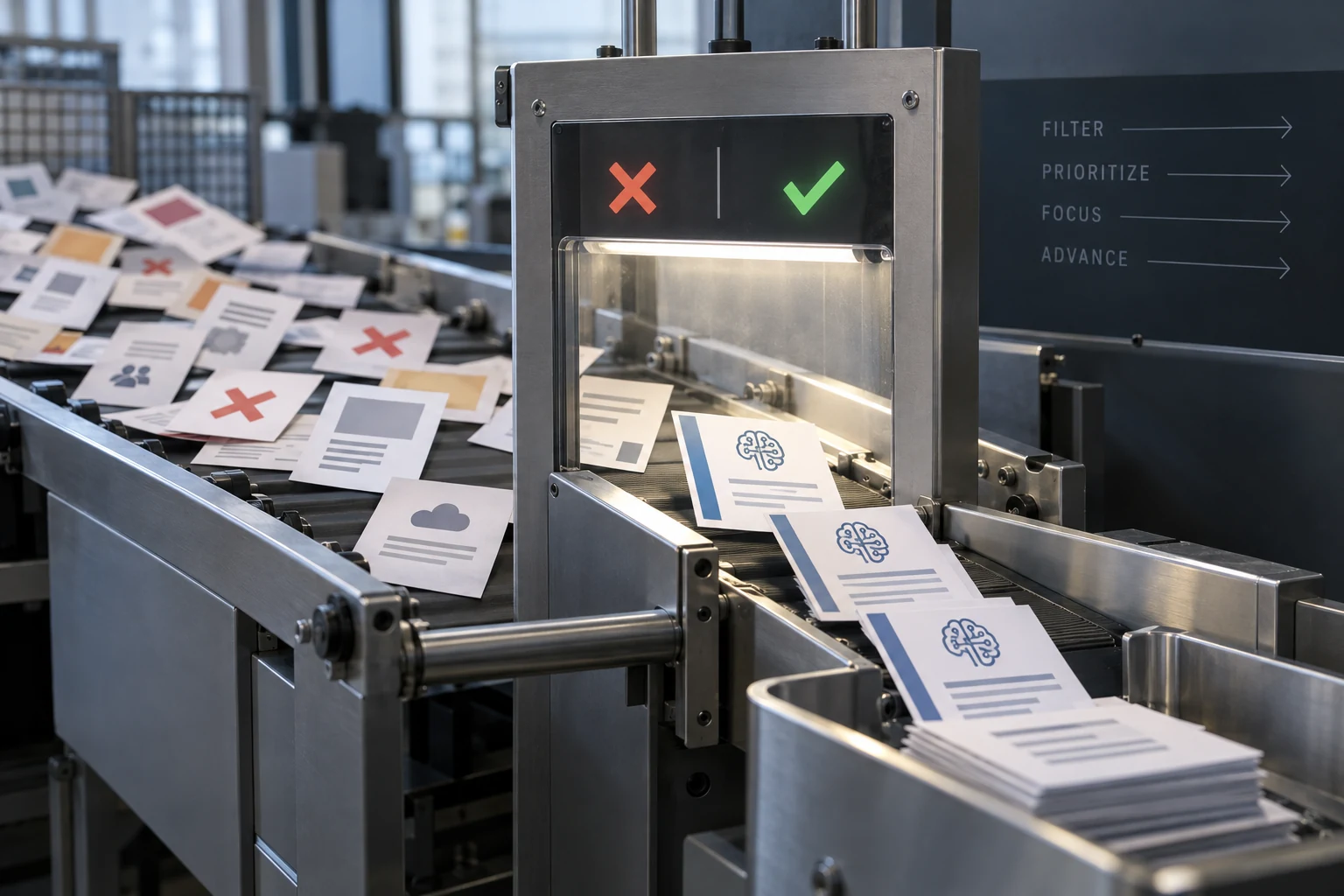
SAM.gov publishes thousands of opportunity notices per month — sources sought, RFIs, combined synopses/solicitations, pre-solicitations, award notices, and justifications. A firm that sets a broad NAICS watch drowns in traffic within days. A firm that sets too narrow a watch misses real opportunities. The art of SAM.gov filtering is assembling a stack that surfaces high-value notices while suppressing the rest.
SAM.gov misses the most lucrative paths: SBIR (on DSIP), OTA solicitations (on consortium portals), and sole-source awards (posted only after award). A SAM-only strategy captures the most competitive, margin-thinned opportunities.
This matters because the best federal opportunities are often won through early engagement — sources sought and RFIs — not through the final solicitation. A firm that sees the sources sought 90 days before the RFP has time to influence scope, build a team, and shape the proposal. A firm that only sees the RFP is playing catch-up.
The NAICS stack

AI work lives primarily in three NAICS codes:
| NAICS | Description | Size standard |
|---|---|---|
| 541512 | Computer Systems Design Services — the catch-all for most federal IT professional services including AI/ML implementation. | $34M average receipts (3 years) |
| 541511 | Custom Computer Programming Services — narrower, specifically custom software development. | $34M average receipts (3 years) |
| 541519 | Other Computer Services — catch-all for computer services not classified elsewhere. | $34M average receipts (3 years) |
| 541715 | R&D in Physical, Engineering, and Life Sciences (except Nanotechnology and Biotechnology) — SBIR topics often use this. | 1,000 employees (excluding aircraft; different for aircraft-related) |
| 541330 | Engineering Services — for AI-in-engineering work (e.g., predictive maintenance for physical systems). | $25.5M average receipts (some sub-categories higher) |
| 541690 | Other Scientific and Technical Consulting Services — used for some data analytics procurements. | $19M average receipts (3 years) |
| 518210 | Data Processing, Hosting, and Related Services — used when the work is more hosting-flavored than engineering. | $40M average receipts |
| 541611 | Administrative Management & General Management Consulting — used when the procurement is scoped as advisory rather than engineering. | $24.5M average receipts |
For a typical AI firm, the core watch is 541512, 541511, and 541715. Add 541519 to catch miscategorized notices. Skip 518210 and 541611 unless the firm has non-engineering scope.
NAICS Code Priority for Federal AI Firms
The keyword layer
NAICS alone is noisy. A 541512 watch returns every federal IT professional services notice, the majority of which have nothing to do with AI. Layer keywords on top to filter:
Core AI keywords
"artificial intelligence", "machine learning", "AI/ML", "deep learning", "neural network", "predictive analytics", "natural language processing", "NLP", "computer vision".
Data keywords
"data science", "data engineering", "data platform", "data analytics", "data lake", "data warehouse", "MLOps".
Adjacent keywords
"decision support", "anomaly detection", "fraud detection", "predictive maintenance", "digital twin", "large language model", "LLM", "generative AI", "GenAI", "retrieval augmented generation", "RAG".
Mission keywords
if the firm specializes — e.g. "clinical decision support", "signal intelligence", "counter-UAS", "threat detection".
SAM.gov keyword search matches against the opportunity text. Use distinct search profiles for core vs. adjacent keywords to avoid collapsing them into one noisy feed.
Set-aside filters
Small business filters are essential. The SAM.gov "Set Aside" facet lets you filter to:
- Total Small Business Set-Aside
- 8(a) Set-Aside
- HUBZone Set-Aside
- Women-Owned Small Business Set-Aside
- Service-Disabled Veteran-Owned Small Business Set-Aside
A small AI firm without 8(a), HUBZone, WOSB, or SDVOSB status should filter to Total Small Business Set-Aside to see the opportunities where large primes are excluded. Unrestricted notices are usable only if the firm plans to sub to a large prime.
Opportunity type filters
The opportunity type facet matters more than firms realize:
- Sources Sought — market research notices. The earliest signal. If your capability matches, respond. Sources sought responses often shape the RFP.
- Special Notice — includes industry day announcements, draft RFPs, and pre-solicitation material. High-value for early engagement.
- Solicitation / Combined Synopsis — the actual RFP or RFQ. Fast-turn response window.
- Award Notice — completed awards. Useful for competitive intelligence, not for bidding.
- Justification & Approval — sole-source rationale. Useful for market intelligence on who is getting directed work.
Many BD teams filter too narrowly, watching only Solicitations. Sources Sought and Special Notices are where the real work of positioning happens.
Daily digest setup
Configure SAM.gov to deliver saved searches as email digests:
- Create separate saved searches for Core AI, Adjacent AI, and Mission-Specific.
- Set each to daily delivery.
- Use different sender names or inbox rules to route digests to tagged folders.
- Review each morning. Triage: no-bid, watch, respond, team.
A disciplined 20-minute daily review of filtered digests produces better pipeline than a weekly 3-hour SAM.gov deep dive. The advantage compounds — early engagement on sources sought is worth more than polished late responses on final solicitations.
Beyond SAM.gov
SAM.gov is not the whole picture. For a full federal AI opportunity view, add:
DSIP (DoD SBIR)
DoD SBIR and STTR solicitations live here, not SAM.gov.
NIH SEED / Grants.gov
NIH SBIR and grant solicitations.
GSA e-Buy
Schedule-only RFQs. Requires Schedule seat.
NITAAC assisted acquisitions
CIO-SP4 task order notices.
Tradewinds Solutions Marketplace, AFWERX, DIU CSO pages
OTA opportunities.
Agency forecasts
DHS, VA, DoD, HHS publish 6-12 month acquisition forecasts (see our forecast parsing guide).
Tooling
Commercial tools — GovTribe, Deltek GovWin, EZGovOpps, Bloomberg Government — aggregate SAM.gov plus other sources with richer filtering. They cost $3K-$30K per year per seat. For a small firm, they are worth it once the BD team crosses 2-3 people; below that, native SAM.gov plus disciplined saved searches is usually sufficient.
Bottom line
SAM.gov opportunity filtering is not a one-time setup — it is a continuous tuning exercise. Start with NAICS 541512/541511/541715, layer AI keywords, filter to small business set-asides, configure daily digests by search profile, and review daily. Add sources sought and special notices to the watch list. The firms that win federal AI work are the firms that see opportunities 90 days before the RFP drops.
Frequently asked questions
Core watch is 541512 (Computer Systems Design), 541511 (Custom Programming), 541715 (R&D). Add 541519 for catch-all. Size standard at the first three is $34M; at 541715 it's 1,000 employees.
Use the Set Aside facet on SAM.gov. Filter to 'Total Small Business Set-Aside' plus any socioeconomic designations your firm holds (8(a), HUBZone, WOSB, SDVOSB).
'artificial intelligence', 'machine learning', 'predictive analytics', 'data science', 'NLP', 'computer vision', 'MLOps', 'generative AI', 'LLM', 'RAG'. Use separate saved searches for core vs. adjacent keywords.
Yes. Sources sought notices are market research published 30-180 days before the RFP. Responding well often shapes RFP scope and positions your firm. Many BD teams miss this by only watching solicitations.
Not for a small firm. Native SAM.gov with disciplined saved searches and daily digests is sufficient for teams under 3 BD people. Paid tools add value at larger scale or when federated across multiple opportunity sources is worth the $3K-$30K fee.
DoD SBIR: DSIP (dodsbirsttr.mil). Civilian SBIR (NIH, NSF, DOE, USDA, etc.): agency-specific portals, cross-posted to Grants.gov. Most SBIR topics do NOT appear on SAM.gov.